Demos · Open Board
Flutter Package · Drawing
Open Board
Handwriting and annotation tools you can add on top of any screen
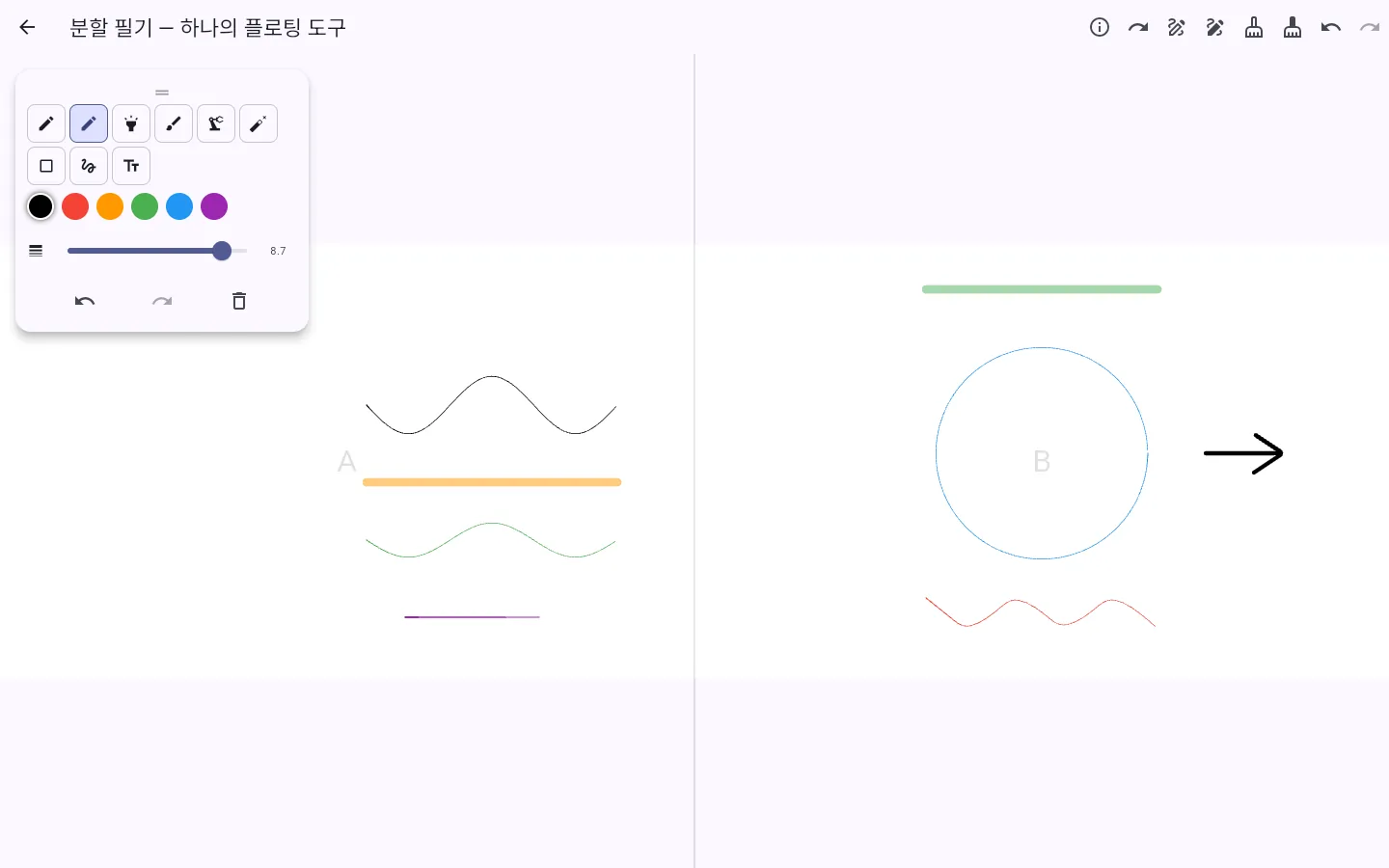
Screens you visit inside the preview are also added to this tab's back history. To explore for longer, open it in a new window.
Overview
The example app of a Flutter package that adds handwriting and annotation to PDF viewers, image editors, note-taking and education apps. You can draw right in your browser with writing tools such as pen, pencil and highlighter, plus shapes and text, color and stroke width, and undo.
Key features
4 features
- Writing toolsWriting tools such as pen, pencil, highlighter and brush, plus shapes, text, color and stroke width.
- Multiple pages and replayWriting that spans multiple pages, and recording and replay that plays strokes back in the order they were drawn.
- Split-screen writingWrite on two side-by-side screens in turn, using one floating tool panel.
- E-book annotationHandwriting on top of an EPUB reader that moves with the page — switch between reading and writing modes.
Screens to explore
1 in total. Each one opens right in your browser, in a new window.
Tech stack
About the demo environment
- You can start drawing right in your browser, with nothing to install.
- Pen pressure is applied on devices that send pressure (such as a stylus) — with a mouse, lines are drawn at an even width.
- Sample data (names, records) is in Korean — the interface text appears in the language you chose.
Need a system like this?
You can send us just three lines. That's where scoping starts.